On your walk
Find fountains around you while keeping your bearings.
A little detour. A refreshing stop.
Your usual walk, a new route or a stop for your dog. Find a nearby drinking fountain and get back to enjoying the city.
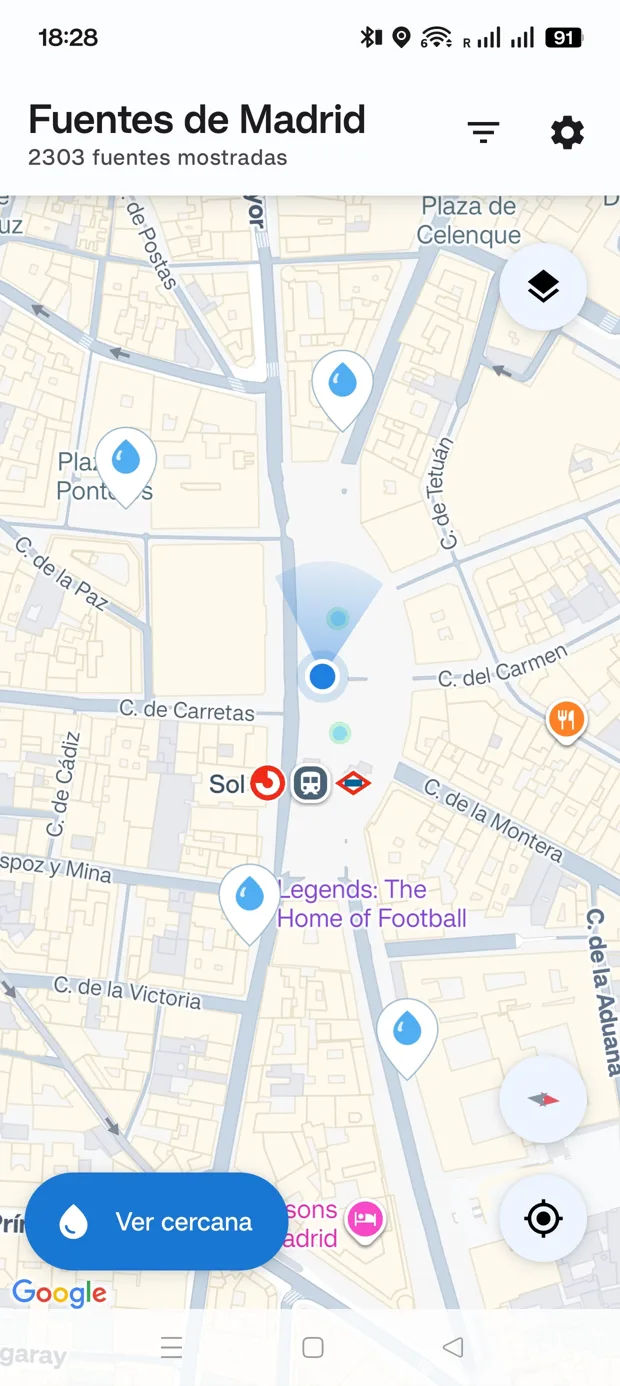
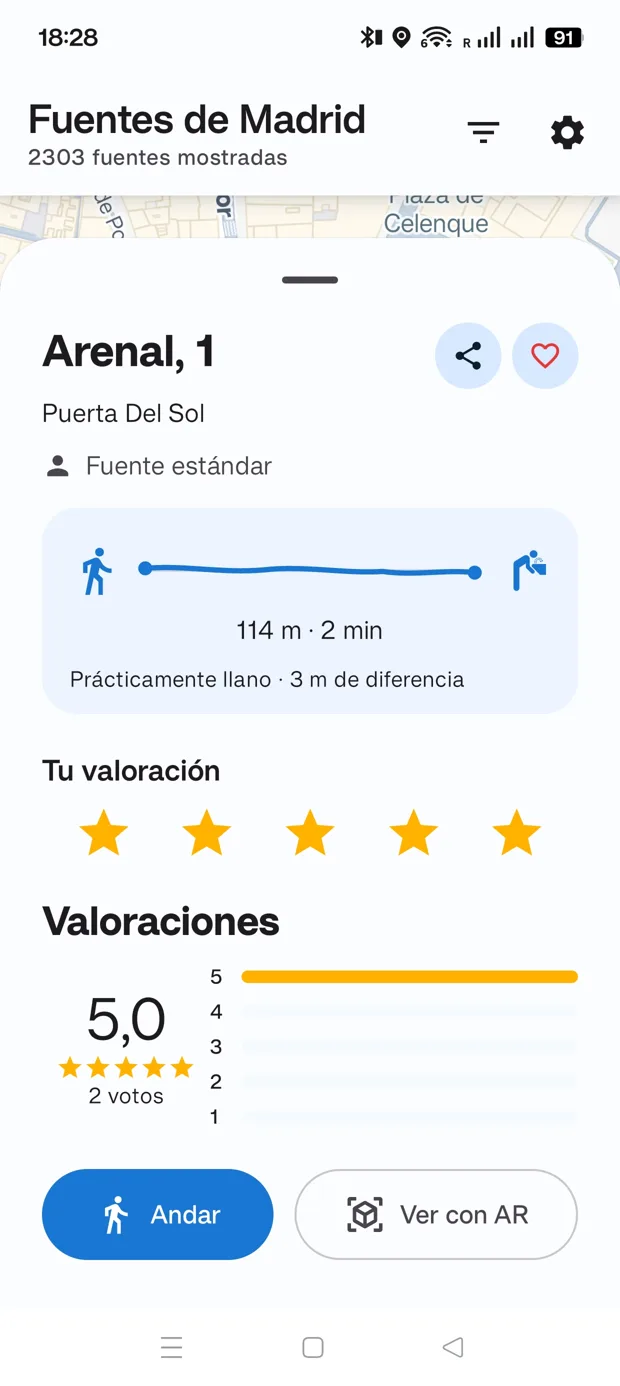
For the city you explore on foot
A small app for an everyday need. Look around, choose a fountain and decide where to make your next stop.
Find fountains around you while keeping your bearings.
Filter fountains for people or dogs to find the kind you need.
Save favorites so the fountains you return to are easy to find.
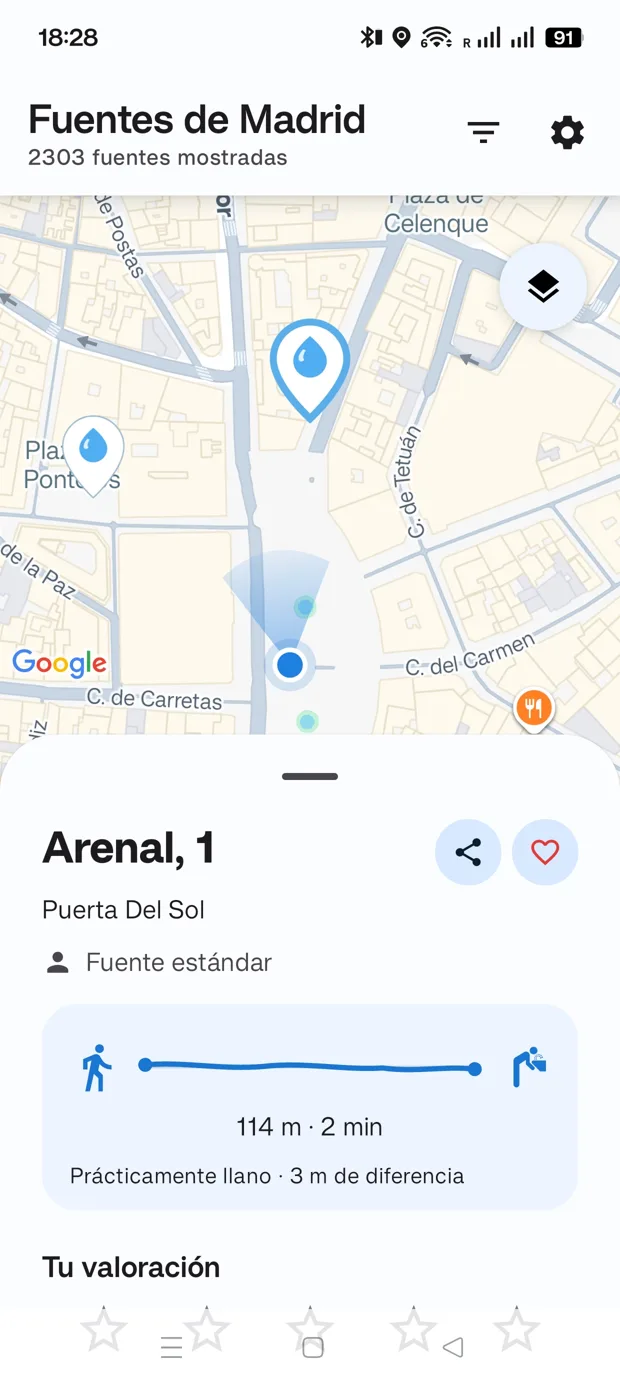
From “there’s one nearby” to “there it is”
Check the distance and estimated walking time before choosing. Then open walking directions or try the camera view to get your bearings.
Explore the map or open the list of nearby fountains.
Check the details, ratings and listed operating status.
Follow directions and share how the fountain is when you arrive.
Inside the app
Map, list and details work together. Start nearby and open a fountain to find out more.
Actual app screenshots, shown in Spanish. Distances, ratings and counts reflect the time they were taken.
Explore fountains on the map and see where you are.
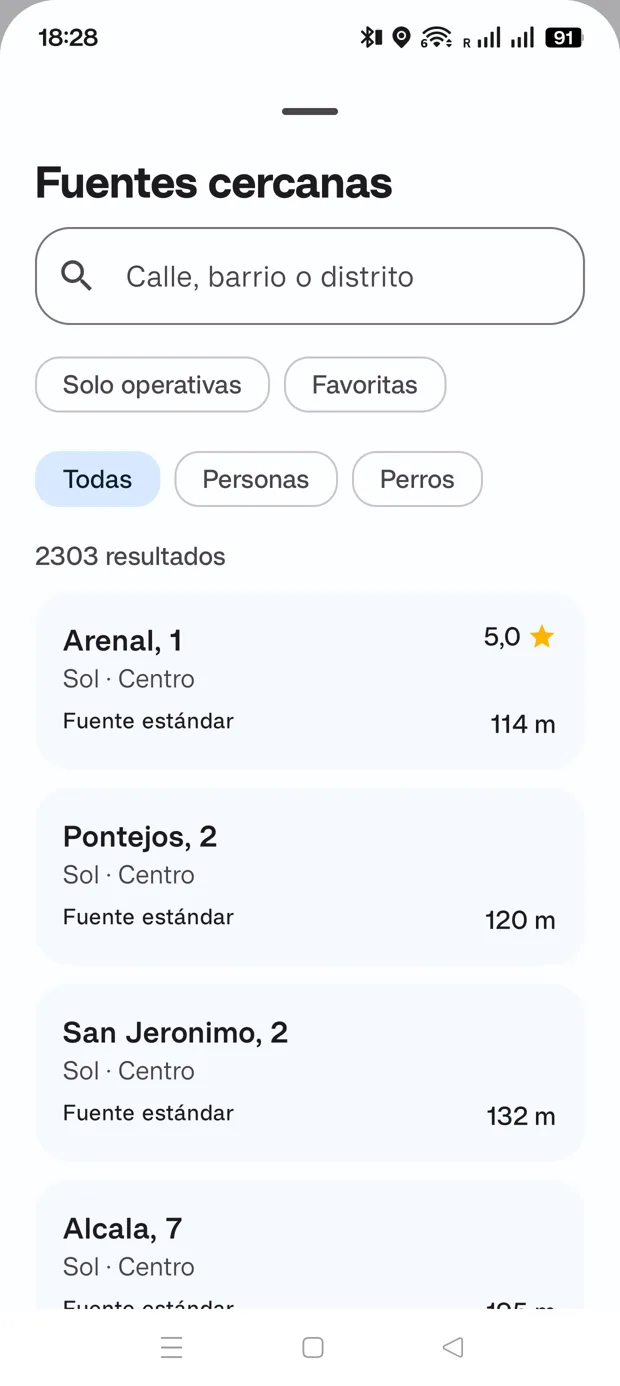
Search by street, neighborhood or district and filter by fountain type.
See distance, ratings and options to navigate or save.
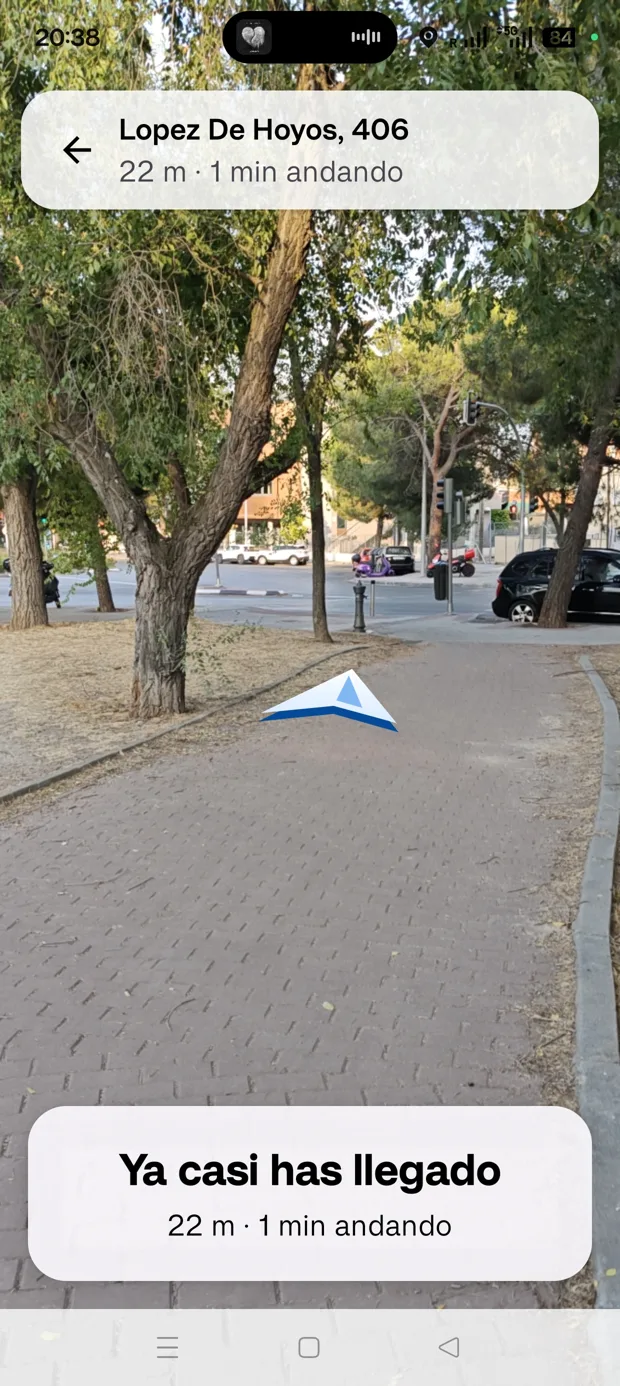
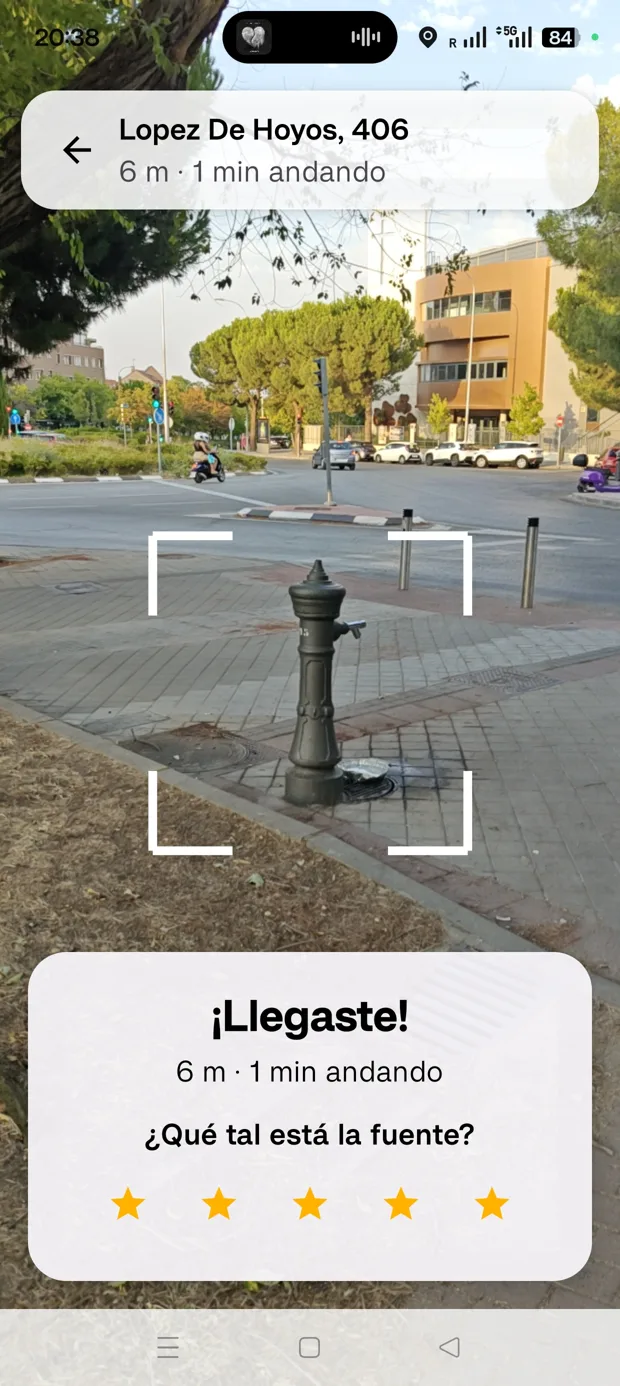
The camera view helps you get your bearings on the final stretch.
A fountain can change from one day to the next
Working well? Out of order? Ratings and reports from people passing by add context to the municipal information.
Data and reports may take time to reflect changes. Fountain availability is not guaranteed.
An open foundation. Everyday help.
The underlying information comes from Madrid City Council’s drinking-water fountain dataset. The app brings it to your walk with search, filters and community contributions.
Explore the City Council datasetAyuntamiento de Madrid · CC BY 4.0You decide what to share
Find fountains without signing up. Favorites and preferences stay on your device. Ratings and reports you submit are handled by the community service.
Open the map. Find water. Get on with your day.
 For Android 6.0 or later
Made by a human

I make small apps to solve big problems. Or maybe they're not that big, but they're the kind that bug you if you got up a bit grumpy that day. Maybe they're not even problems, just more efficient ways of doing something.
The story
Madrid gets pretty hot in summer, so if you want to stay hydrated you have three options: don't, carry a water tank around with you (if you can lug 30 kg on your walks), or make the most of the city's great drinking fountains. If you can find them, that is.
There are plenty of fountains, but some are well hidden. There are official resources for finding them too, but I'd rather die of thirst than use them, because they don't work very well. So I chose to build my own app to find fountains in Madrid easily, right from my phone.

Before heading out
No. It is an independent app by Iván Ramírez using Madrid City Council open data. User contributions are shown separately.
No account is needed to find fountains, save favorites or use the app.
Location helps find nearby fountains and guide you. Camera access is used for the optional camera view. You can use the app without these permissions, with some features limited, and change them in Android settings.
Not always. Municipal data and reports can take time to reflect changes. Filter by listed operating status, check ratings and report a broken fountain when you find one.
Do not rely on every feature being available offline. Maps, directions and community rating/report synchronization depend on internet services.
Open Settings > Data > Delete my data. Visit the support page for more information and a contact email.
More apps

 Madrid toiletsFind your next relief stop
 Emoji CalendarYour days in emojis
 90 Days ReportYour dates, made clear

 Thai Taxi CalculatorBangkok metered taxi estimates

 Thai Year ConverterWestern and Buddhist years, instantly

 AI Usage TrayYour AI quota, next to the clock
 Better Emoji PickerThe emoji you want, one shortcut away
 WIMSYour space, at a glance